Master
Common Fanuc program alarms and what they mean
Program alarms (PS) mean the control found something in the program it cannot run. The good news: they are always in the program, the offsets or the setup, so the operator or programmer can fix them. Here are the ones you will see most, with numbers as on Fanuc 0i-series controls.
Alarms from the program text
| Alarm | Meaning | Check |
|---|---|---|
| PS0003 | Too many digits | A number too long, often a typing mistake |
| PS0007 | Illegal use of decimal point | A decimal on an address that does not allow it (P, Q in cycles, H, D, T) |
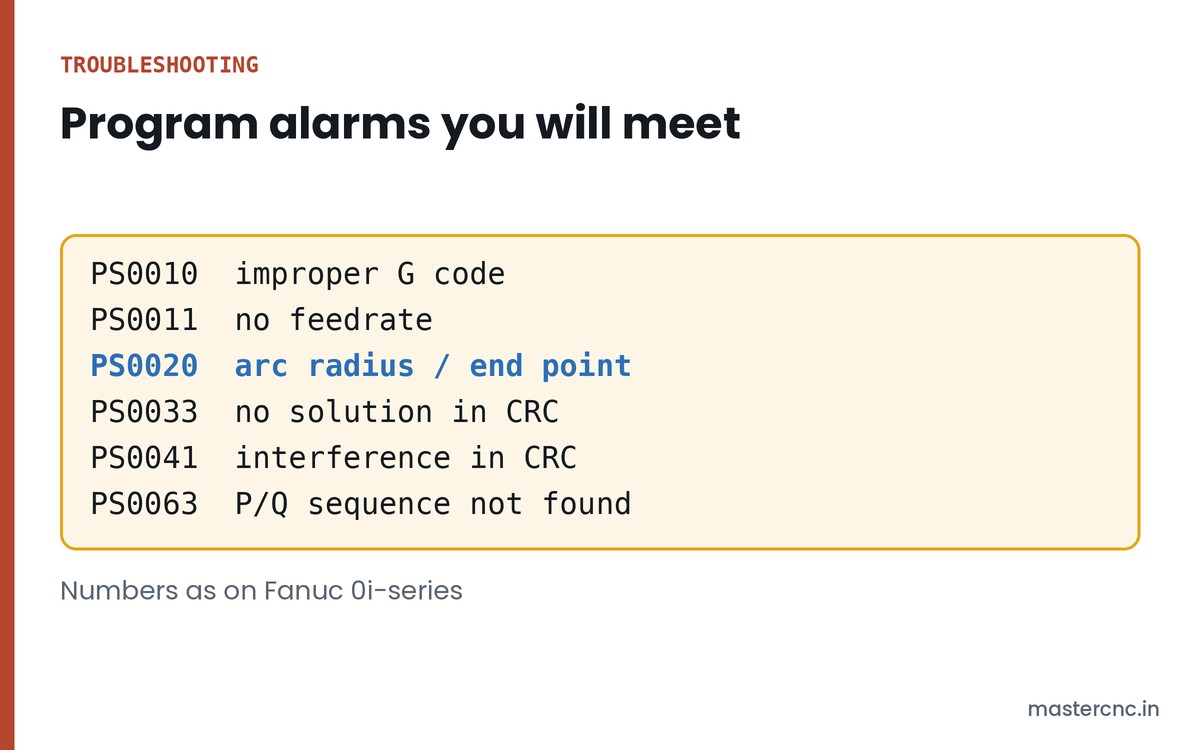
| PS0010 | Improper G code | A G code the control or option does not have, or a typo |
| PS0011 | Feedrate zero / no feed | G01, G02 or G03 without an F value |
Arcs
PS0020 (over tolerance of radius): the start, end and centre of a G02/G03 do not agree. The end point is wrong, I and K were measured from the wrong point, or R is too small for the distance. See G02 and G03.
Offsets
- PS0029 / PS0030: illegal offset value or offset number. A D, H or T offset number that does not exist, or a value out of range.
Cutter and nose radius compensation
- PS0033 (no solution at CRC): the control cannot find a path for the compensated tool, often at a sharp inside corner or a very short move.
- PS0034: an arc in the start-up or cancel block of compensation. Start and cancel G41/G42 on a straight line.
- PS0041 (interference in CRC): the tool radius is bigger than an inside arc or step, so the tool would gouge. Use a smaller tool or change the profile.
Turning cycles G70 – G73
- PS0061: P or Q missing in G70 – G73.
- PS0062: an illegal value in G71 – G76, for example a zero depth of cut.
- PS0063: the block number in P or Q was not found.
- PS0064 / PS0065: the profile is not one-way (not monotonic) for a type I G71 or G72, or the first profile block is wrong (Z in the first block of G71, X in the first block of G72). See G72.
Subprograms
PS0078 (number not found): the program number in M98 P, or the block in M99 P or GOTO, does not exist in memory.
How to find the cause
- Note the alarm and the block the cursor stops on (it may be the block after the real mistake).
- Read that block and the one before it.
- Check offsets, decimal points and P/Q block numbers.
- Reset, fix, and restart from a safe tool start.
Numbers and texts differ between Fanuc series and options. The Fanuc maintenance or operator manual for your control lists every alarm exactly.
Calculators, process sheet to program, simulation, codes and lessons. Free to start, no sign-in, on phone and laptop.
Open the app