Master
Chatter in turning: causes and fixes
Chatter is a vibration that feeds itself: the tool cuts a wavy surface, the next turn meets the waves and vibrates more. You hear it as a ringing noise and see it as a regular pattern on the part. The cure is almost always to make the setup stiffer or change the cut so it stops feeding the vibration.
How to recognise it
- A loud, high ringing or screaming noise.
- A regular pattern of lines or "fish scales" on the surface.
- Often worse at one part of the cut: far from the chuck, at a thin section, or at the end of a boring bar's reach.
Cause 1: the tool sticks out too far
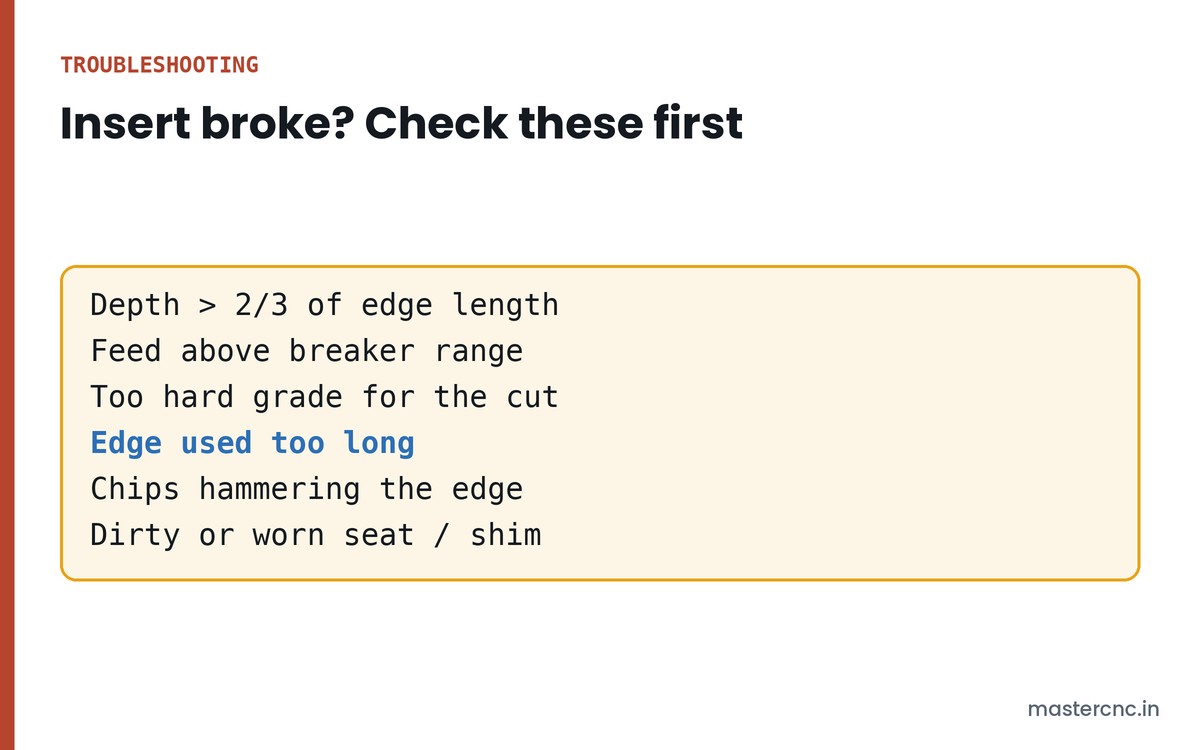
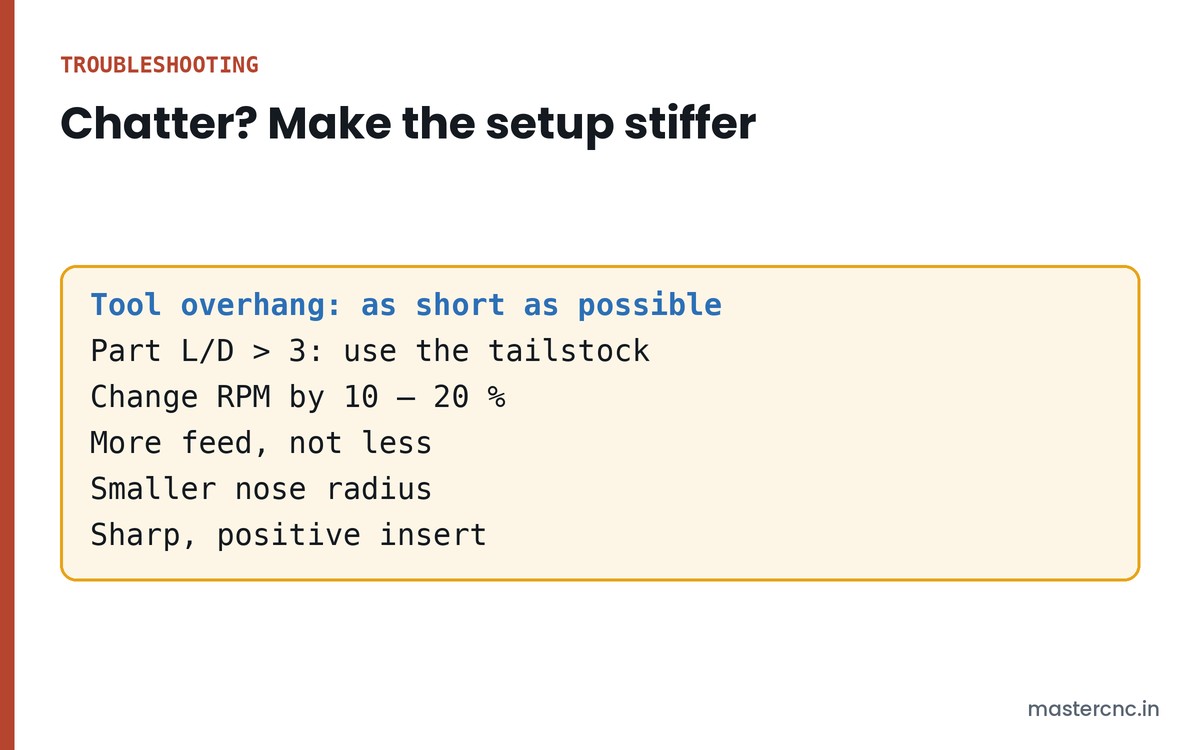
A turning tool held with a long overhang bends like a diving board. Fix: clamp the holder as short as the part allows. For boring bars, keep the overhang within about 4 × the bar diameter for steel bars; use carbide or damped bars for longer reach.
Cause 2: a long, thin part
A part sticking out more than about 3 times its diameter from the chuck bends away from the tool. Fix: support it with the tailstock, a steady rest, or turn it in steps closer to the chuck first. Turn the far end first while the part is still thick.
Cause 3: too much contact
A big nose radius, a wide insert or a profile that wraps around the part touches more material, and more contact means more force to vibrate. Fix: use a smaller nose radius (R0.4 instead of R0.8 for finishing slender parts), a lower lead angle so the force goes more along the axis, and a sharp positive insert.
Cause 4: the cut is too light
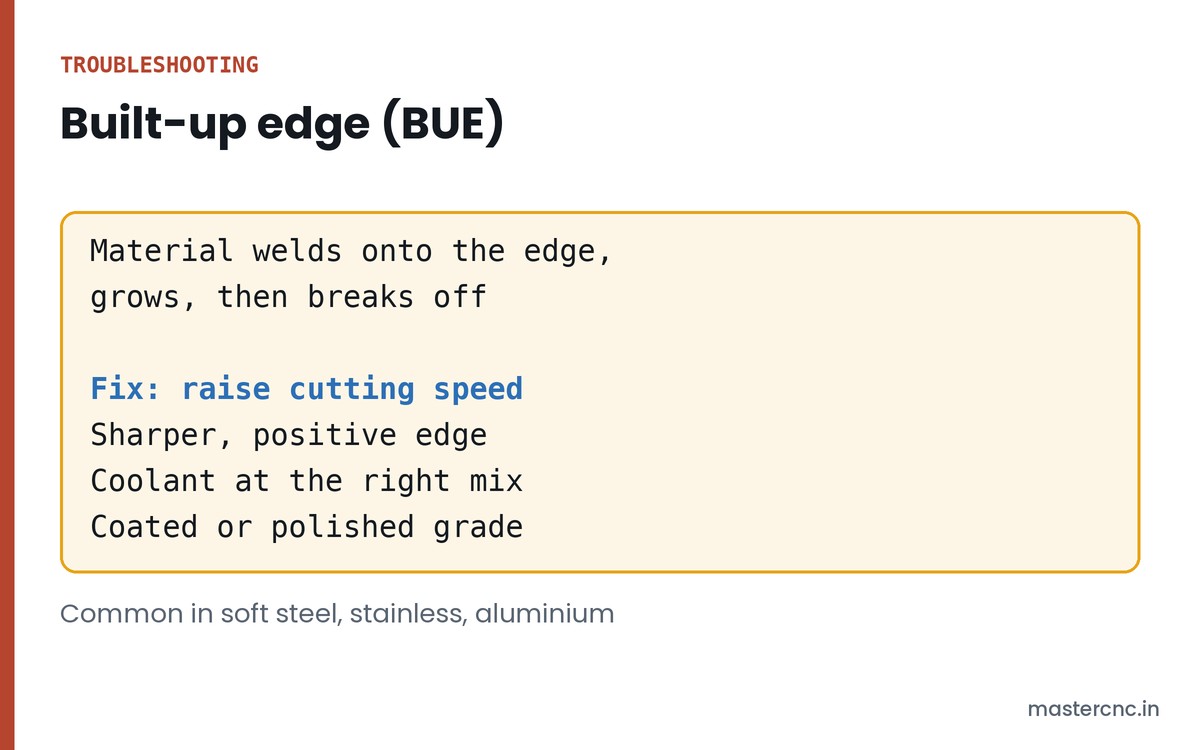
It sounds wrong, but very small feed and depth often make chatter worse: the edge rubs instead of cutting. Fix: increase the feed a little, or take a slightly deeper cut, so the tool is pushed firmly into the material.
Cause 5: speed in the wrong range
Chatter happens at certain spindle speeds and not at others. Fix: change the RPM by 10 – 20 % up or down and listen. On a lathe in G96, change the S value. Often a small change makes the noise disappear.
Cause 6: loose or worn parts
A loose tool holder, turret not clamped, worn chuck jaws, jaws gripping on a short length, or worn spindle bearings. Fix: check every clamping point from the insert screw to the chuck.
A step-by-step routine
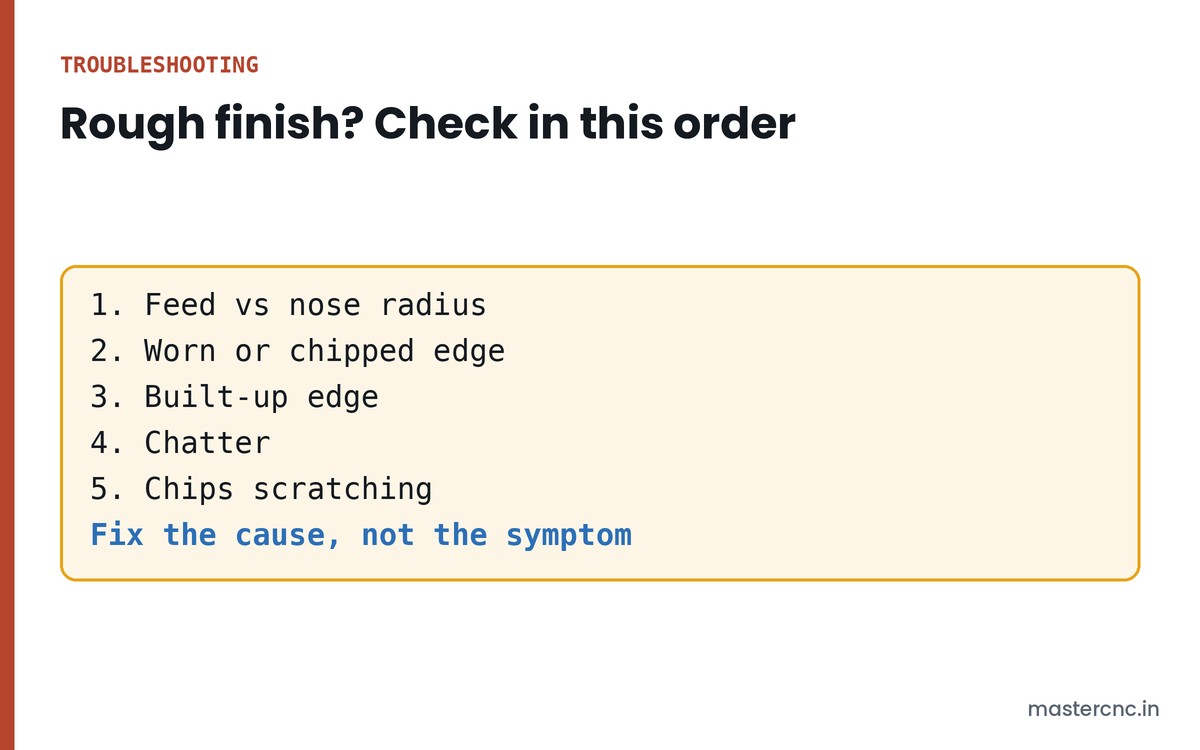
- Shorten tool overhang and check the clamping.
- Support the part if it is longer than 3 × D.
- Change RPM by 15 %.
- Increase feed slightly.
- Smaller nose radius, sharper insert.
- For boring: bigger bar, carbide or damped bar.
Common mistakes
- Reducing feed and speed together: it often gets worse.
- Changing the insert grade when the problem is overhang.
- Leaving a boring bar at full length "in case" a deeper bore comes later.
Milling chatter has its own causes and fixes; that post is coming in this series. Values here are general guidance: follow the tool maker's limits for overhang and cutting data.
Calculators, process sheet to program, simulation, codes and lessons. Free to start, no sign-in, on phone and laptop.
Open the app