Master
Poor surface finish: 10 causes and fixes
A rough surface almost always has a simple cause. Go through this list in order: the first items are the most common and the quickest to fix.
1. Feed too high for the nose radius
On a lathe the theoretical finish comes straight from feed and nose radius: Ra ≈ f² ÷ (32 × r) × 1000 µm. With an R0.4 insert you need about 0.14 mm/rev for Ra 1.6; with R0.8 about 0.20. Fix: lower the finishing feed or use a bigger nose radius or a wiper insert. Details in surface roughness from feed.

2. Worn or chipped cutting edge
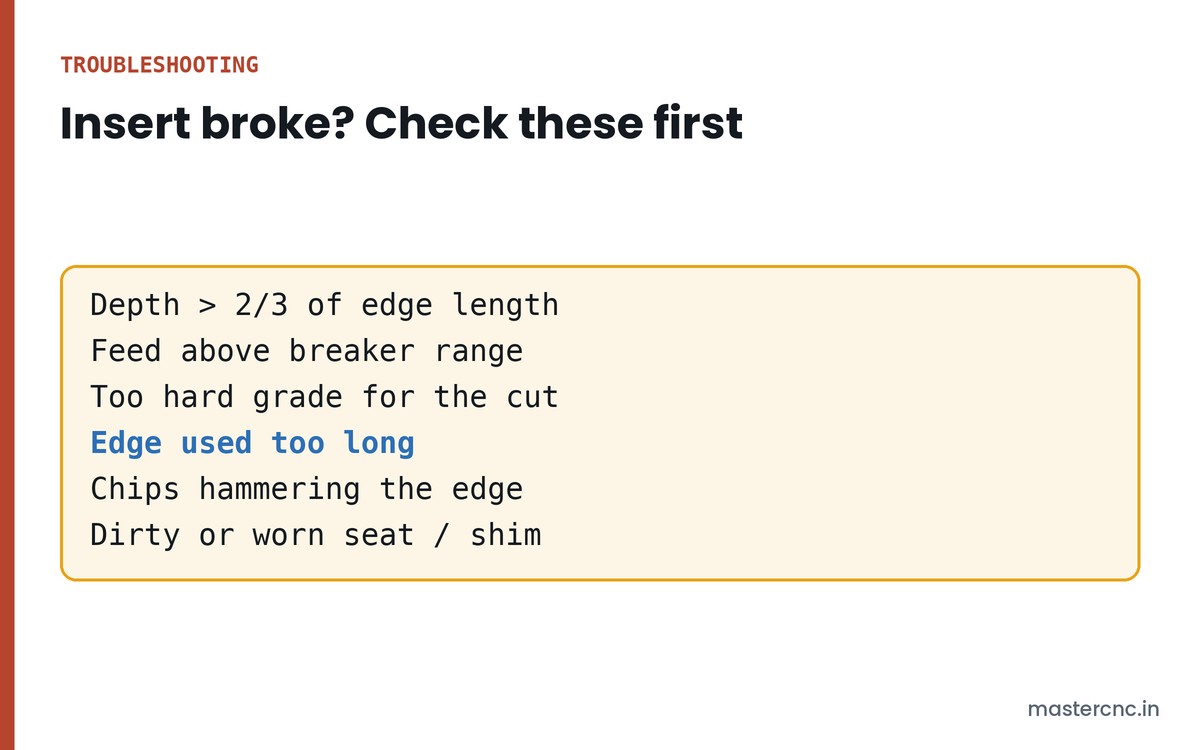
A worn edge rubs and tears. A tiny chip on the edge leaves a line on every turn. Fix: index the insert and look at the edge with a magnifier. If it chips again quickly, the grade or the breaker is wrong for the job.
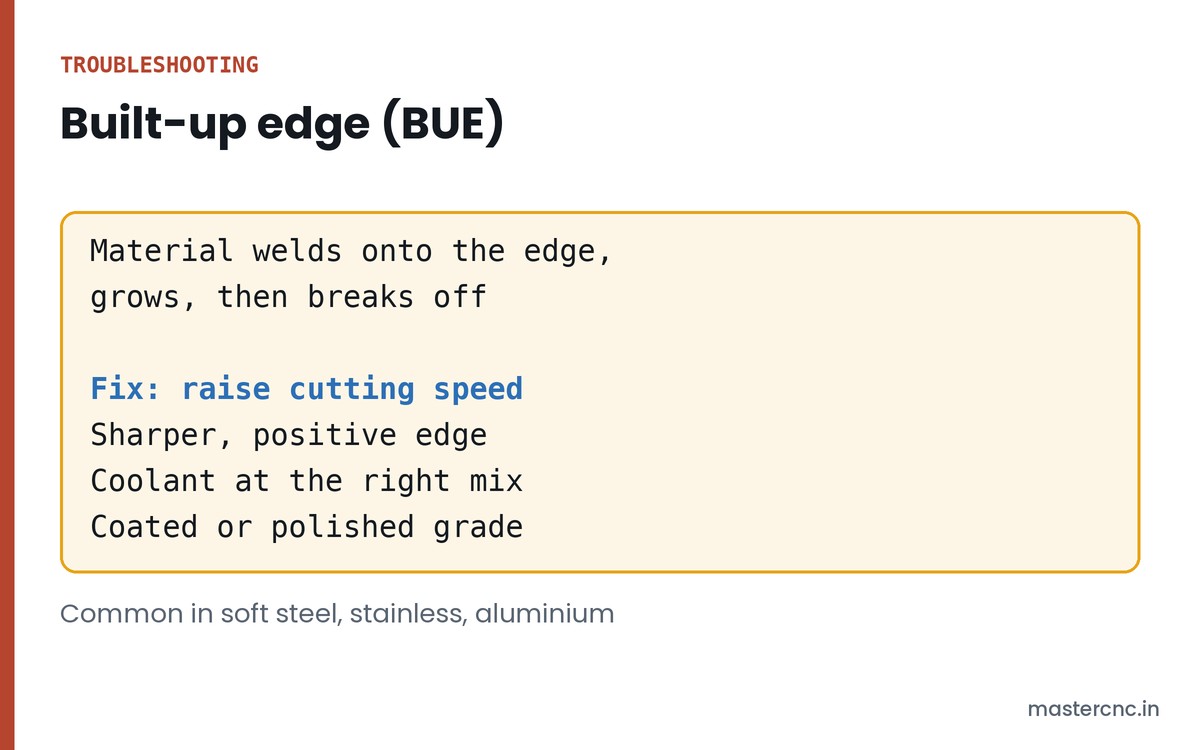
3. Built-up edge (BUE)
Material welds onto the edge and breaks off, leaving a torn, dull surface. It happens at low cutting speed in soft steel, stainless and aluminium. Fix: raise the cutting speed, use a sharper positive insert, use coolant with the right concentration, or a coated grade.
4. Chatter
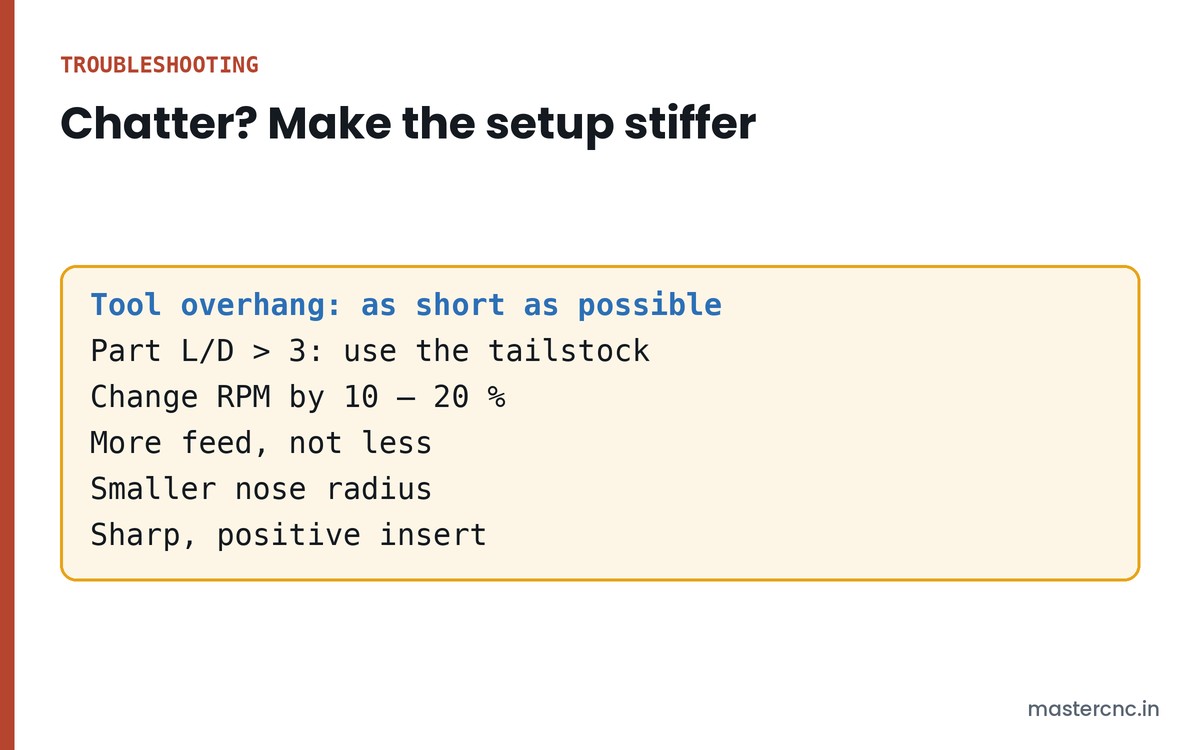
Regular wavy marks and a loud ringing noise. Fix: shorter tool overhang, support long parts with the tailstock, change the RPM by 10 – 20 %, smaller nose radius, more feed instead of less. See chatter in turning.
5. Chips scratching the surface
Long chips wrap around the part and drag across the finished surface. Fix: use a chipbreaker made for the finishing depth and feed, increase the depth of cut slightly so the breaker works, or direct the coolant at the chip.
6. Depth of cut too small
If the finishing depth is smaller than the edge rounding of the insert, it rubs instead of cutting. Fix: leave at least 0.2 – 0.5 mm for the finish pass on a lathe (check the breaker's range in the catalogue).
7. Tool not on centre height
A turning tool above or below centre changes the cutting angles and rubs, especially on small diameters and when facing. Fix: check centre height, and look for a small pip left at the centre when facing.
8. Wrong cutting speed
Too slow gives BUE; too fast burns the edge and the surface goes dull or blue. Fix: start from the catalogue Vc and check the RPM. On a lathe use G96 for finishing so the speed stays right on every diameter.
9. Weak workholding or overhang
A part held on 5 mm of jaw, or sticking out far from the chuck, moves under the cut. Fix: grip longer, use soft jaws bored to size, or support with the tailstock.
10. The machine itself
If everything above is right and the problem stays, check spindle bearings, loose gibs or turret clamping, and the axis backlash. A regular wavy pattern that does not change with RPM can point to the machine.
Quick diagnosis by the look of the surface
| What you see | Most likely |
|---|---|
| Even, regular feed marks | Feed too high for the nose radius |
| Torn, dull, smeared | Built-up edge or worn edge |
| Waves, ringing noise | Chatter |
| Random scratches | Chips |
| One line round the part | Chipped edge |
Change one thing at a time and measure after each change. Otherwise you never know which fix worked.
Calculators, process sheet to program, simulation, codes and lessons. Free to start, no sign-in, on phone and laptop.
Open the app