Master
Why inserts break: common causes
A worn insert is normal. A broken insert is a sign that something is wrong, and it usually takes the part, sometimes the holder, with it. These are the causes to check, roughly in order of how often they happen.
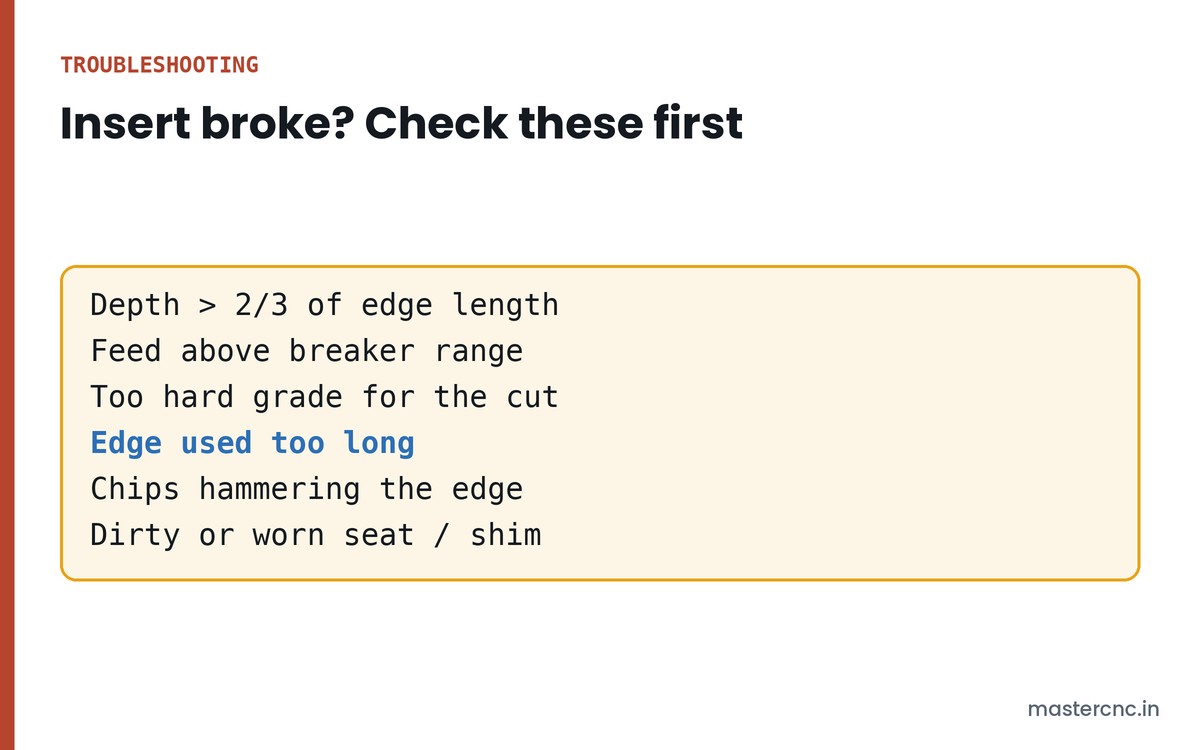
1. Depth of cut too big for the insert
A rule of thumb for the largest depth is about 2/3 of the cutting edge length for rhombic inserts (less for 35° and 55° shapes). A CNMG 12 has 12.9 mm of edge, so stay below about 8 mm, and below the breaker's range. Fix: a bigger insert or more passes.
2. Feed too high
Every breaker and nose radius has a feed limit. Above it the chip is too thick and the edge cracks. A small nose radius (R0.4) can take less feed than R1.2. Fix: stay in the catalogue's feed range; use a stronger breaker and bigger radius for roughing.
3. Grade too hard for the cut
Hard, wear-resistant grades (P10, K10) do not like shocks. Interrupted cuts, keyways, cross holes, forged or cast skin need a tougher grade. See insert grades.
4. The edge was used too long
Wear makes the edge weaker and the forces higher, until it suddenly breaks. Fix: change edges by part count or time, before the wear land gets big. Look at a used edge each shift.
5. Chip hammering
Chips that curl back and hit the edge, or the part, chip the edge next to the cut. Fix: change the feed or depth so the breaker throws chips away, or use a different breaker.
6. Entering and leaving the cut
Running straight into a shoulder or square face, or exiting with a full-width chip, puts a shock on the corner. Fix: program a chamfer or a radius into and out of the cut, and reduce the feed for the entry.
7. Seat, shim and screw
Dirt under the insert, a cracked or worn shim, or a loose clamp lets the insert move. Fix: clean the seat with air at every index, change shims that show marks, tighten to the right torque.
8. Thermal cracks
Coolant that hits the edge on and off (for example in an interrupted cut) causes small cracks across the edge, then breakage. Fix: plenty of coolant all the time, or none at all in some milling and interrupted cuts, as the tool maker advises.
9. Vibration
Chatter hammers the edge thousands of times a second. See chatter in turning.
Read the broken insert
| What you see | Likely cause |
|---|---|
| Big piece broken off the corner | Feed or depth too high, grade too hard |
| Small chips along the edge | Chip hammering, vibration, interrupted cut |
| Cracks across the edge | Thermal shock |
| Wear first, then a break | Edge used too long |
| Broken at the depth-of-cut line | Notch wear (scale, stainless, heat-resistant alloys) |
Keep the broken insert and look at it under a magnifier before you throw it away: it usually shows the cause.
Calculators, process sheet to program, simulation, codes and lessons. Free to start, no sign-in, on phone and laptop.
Open the app