Master
Climb milling vs conventional milling
On a CNC machining centre you should climb mill almost all the time. It gives a better finish, longer tool life and lower cutting forces into the part. Here is why, when conventional milling is still the better choice, and how to make sure your program does what you think.
The difference
It is about which way the cutter turns compared with the feed direction.
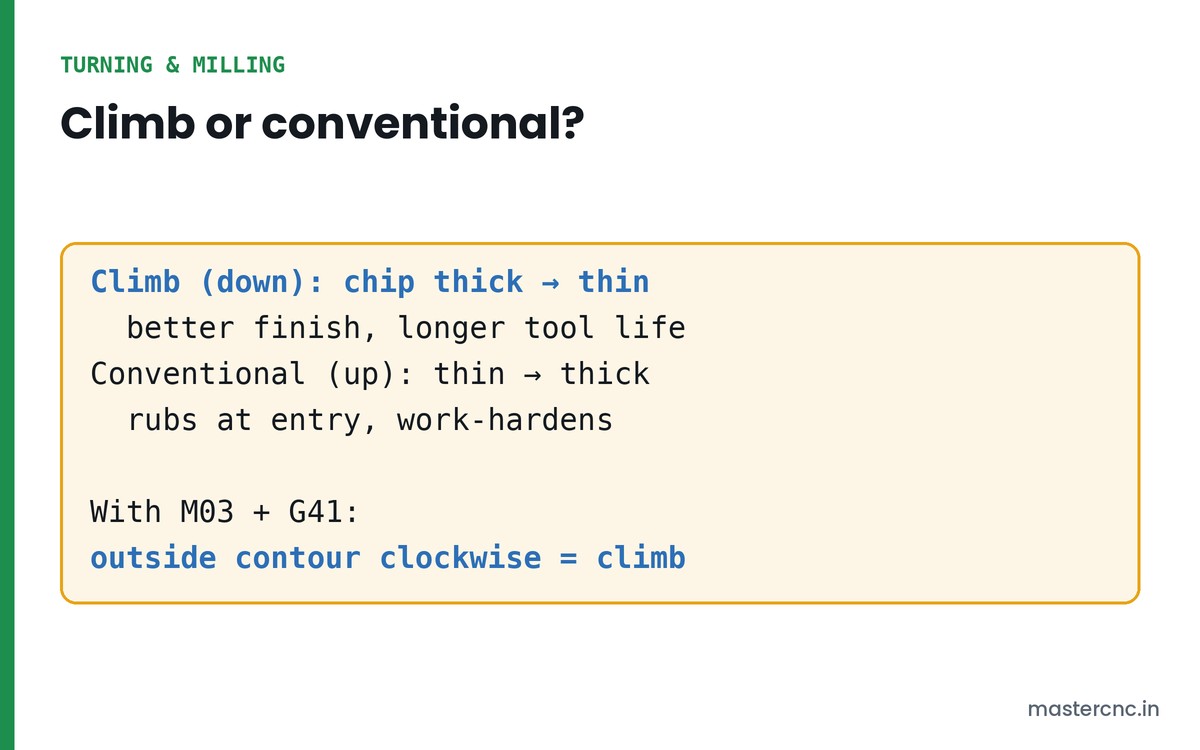
- Climb milling (down milling): the tooth enters the material at the thickest point of the chip and leaves at zero. The cutter "climbs" onto the work.
- Conventional milling (up milling): the tooth enters at zero thickness and leaves at the thickest point. At entry it rubs before it cuts.
Why climb milling is better on CNC
- Less rubbing: the edge bites at once, so less heat and less wear.
- Better finish: the chip is thin where the tooth leaves the finished wall.
- No work hardening: important in stainless and heat-resistant alloys, where rubbing hardens the surface for the next tooth.
- Chips are thrown behind the cutter, not into the cut.
Climb milling pulls the cutter into the work. On an old manual machine with backlash in the leadscrew, the table jumps forward and breaks the tool. CNC machines have ball screws with almost no backlash, so this is not a problem.
When conventional milling is better
- Hard skin or scale on castings and forgings: climb milling would hit the hard skin with the thickest part of the chip.
- Machines with worn screws or real backlash.
- Some finishing passes on thin walls, to push the wall away instead of pulling it in. Test it on your part.
How to get climb milling in the program
With a normal right-hand cutter and the spindle in M03 (clockwise seen from above):
| Cut | Climb milling | Compensation |
|---|---|---|
| Outside contour | Go round the part clockwise | G41 |
| Inside pocket or bore | Go round counter-clockwise | G41 |
| Face or slot side | Material on the right of the feed direction | (cutter left of the wall) |
An easy check: with M03, G41 = climb milling, G42 = conventional. If your CAM system shows the cutter left of the contour, you are climb milling.
What about full-width slots?
In a slot as wide as the cutter, one side climbs and the other side is conventional. That is one reason slotting is hard on tools. Where you can, use a smaller cutter and trochoidal or side milling instead, so the cutter only engages part of its diameter.
Common mistakes
- Using G42 by habit on a mill and getting conventional milling everywhere.
- Reversing the direction of a finishing pass "to clean up" and leaving marks from the change of cutting forces.
- Climb milling over hard scale at full depth: chipped edges on the first part.
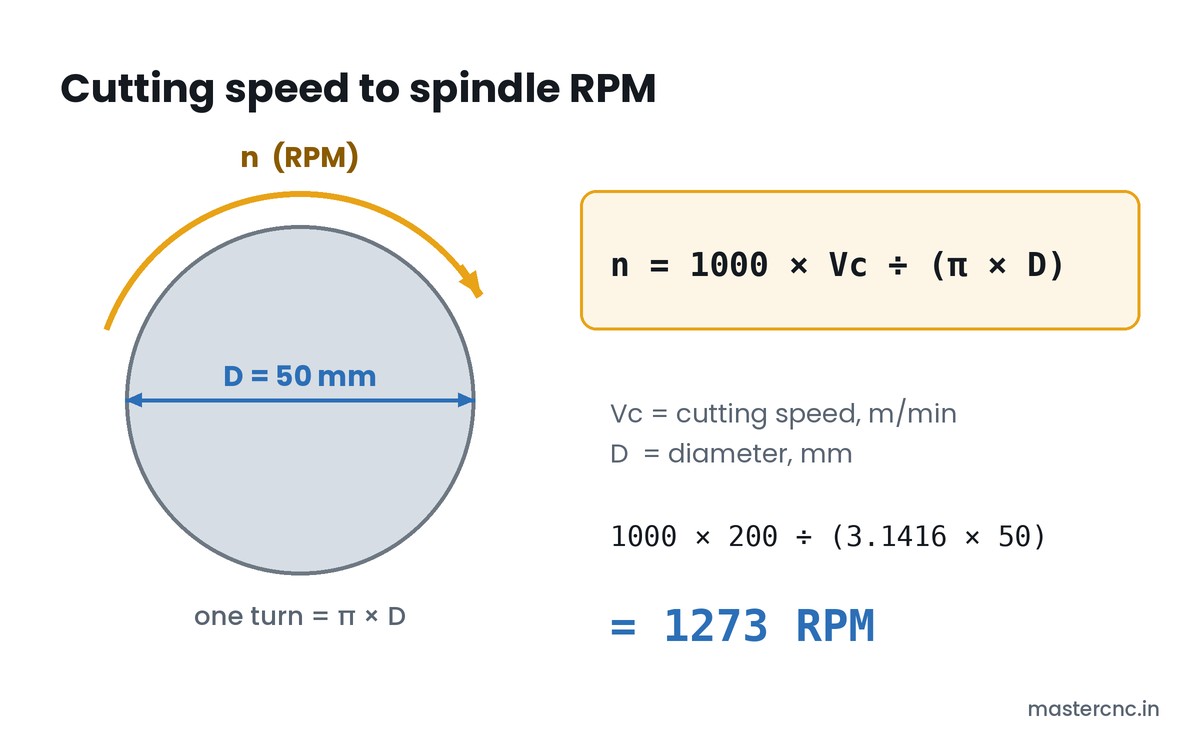
Feeds and speeds for both methods start from the tool maker's data. Use the feed rate formulas to turn feed per tooth into F.
Calculators, process sheet to program, simulation, codes and lessons. Free to start, no sign-in, on phone and laptop.
Open the app