Master
Spindle alarms: first checks
A spindle alarm stops the machine and often the job. Some causes are simple and the operator can deal with them; others need maintenance. Knowing which is which saves time and protects an expensive spindle.
Common causes
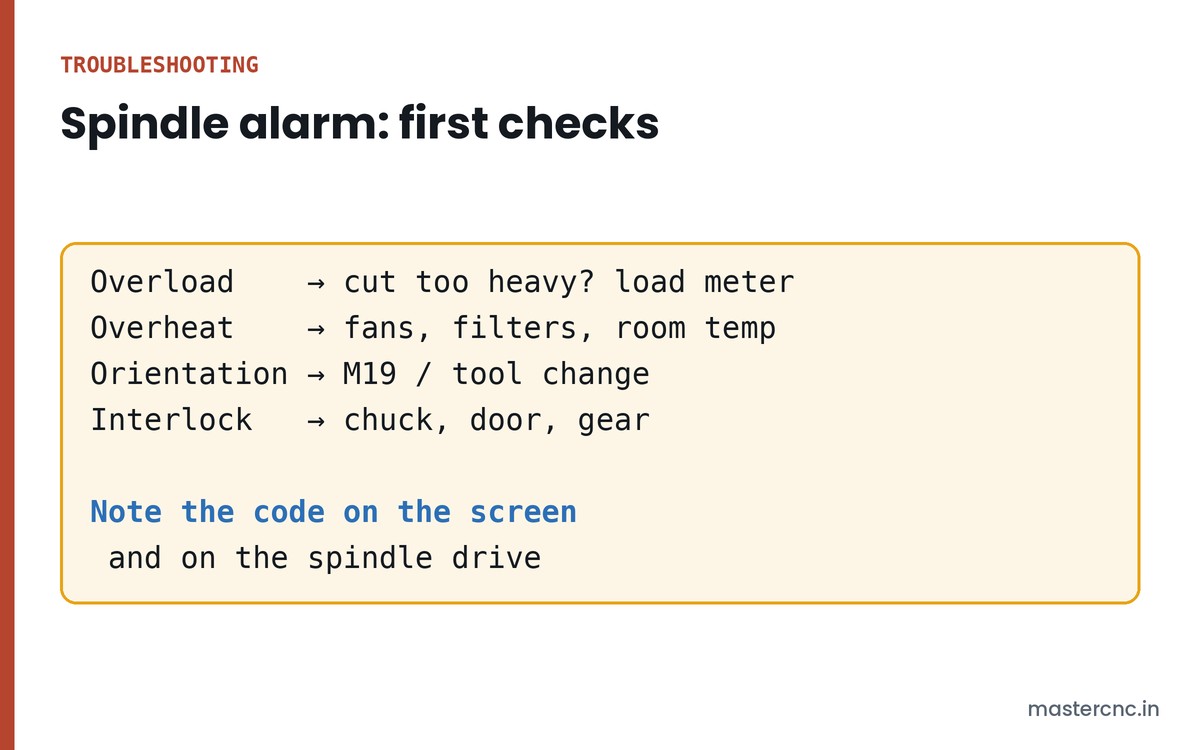
| Type | Typical cause | Who |
|---|---|---|
| Overload | Cut too heavy, blunt tool, wrong speed | Operator, then maintenance if repeated |
| Overheat | Dirty fan or filter, high room temperature, long heavy cutting | Operator (cleaning), maintenance |
| Speed deviation | Spindle could not reach or hold the speed | Maintenance |
| Orientation | M19 or tool change orientation failed | Maintenance |
| Interlock | Chuck not clamped, door open, gear not engaged | Operator (machine builder message) |
| Drive / motor | Amplifier, motor, encoder or cable fault | Maintenance |
What the operator can check
- Write down the alarm on the screen. On Fanuc controls spindle alarms start with SP; many spindle amplifiers also show a code on their own small display in the cabinet. Photograph both.
- Was it cutting? Look at the spindle load meter history and the tool: a blunt or wrong tool raises the load.
- Check fans and filters on the electrical cabinet and spindle motor for dust and oil.
- Check machine builder messages: chuck pressure, door switch, gear position.
- Reset once. If it comes back, stop and call maintenance.
Reducing overload alarms
- Lighter depth or feed on large roughing cuts; split the cut.
- On lathes with gear ranges, use the low range for big diameters.
- Check Vc and RPM (see spindle power).
- Change worn tools sooner.
Common mistakes
- Resetting again and again with the same heavy cut.
- Opening the electrical cabinet to "have a look". Leave that to qualified staff.
- Blowing compressed air into the spindle motor or cabinet: it pushes dirt and coolant inside.
Alarm numbers, codes and procedures are in the control and machine builder's maintenance manuals.
Try it in Master CNC
Calculators, process sheet to program, simulation, codes and lessons. Free to start, no sign-in, on phone and laptop.
Open the app