Master
Long parts: tailstock and steady rest
A long, thin part bends away from the tool. The result is taper, chatter and a part that is bigger in the middle or at the end. The cure is support: the tailstock, a steady rest, or both.
The length-to-diameter rule
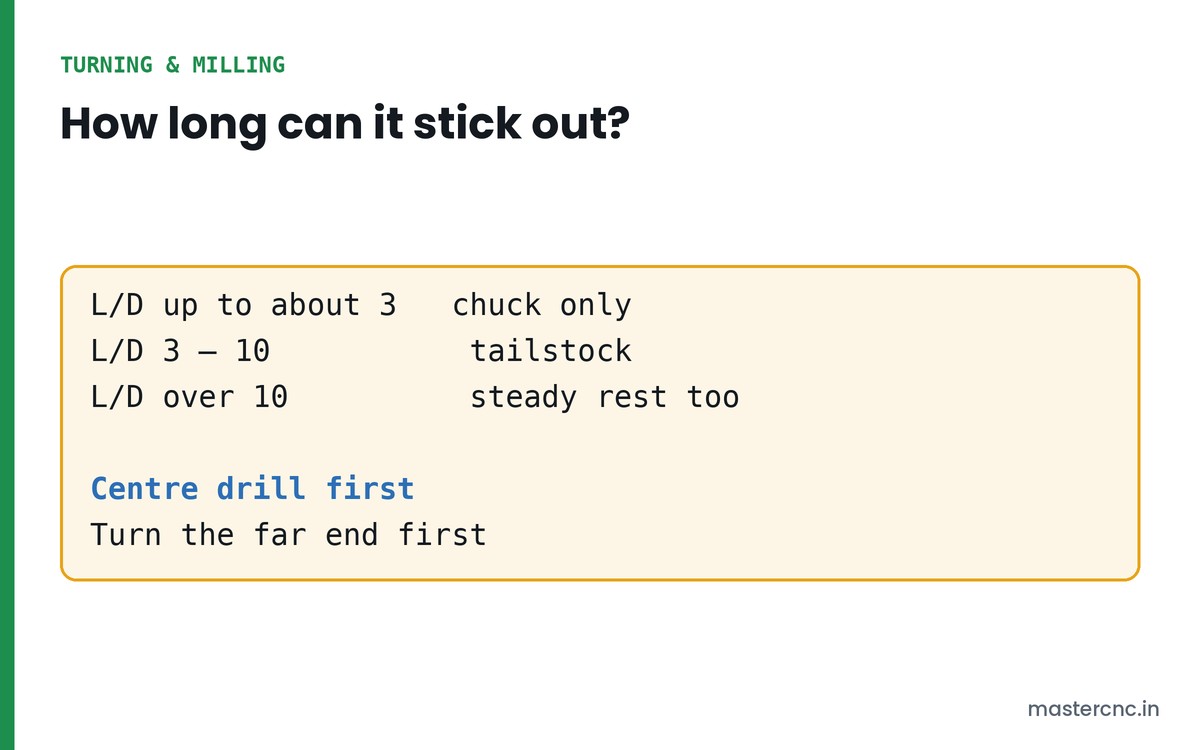
| Stick-out ÷ diameter | Support |
|---|---|
| up to about 3 | Chuck only |
| about 3 – 10 | Tailstock with a live centre |
| over about 10 | Steady rest as well (or a follow rest) |
These are rough guides; depth of cut, material and the finish needed move the limits.
Tailstock
- Centre drill the end first, with a proper 60° centre hole big enough for the part's weight.
- Use a live (rotating) centre for most CNC work.
- Set the tailstock force to the builder's recommendation for the part size: too little and the part slips; too much and a thin part bows.
- Remember the part grows as it warms up; very long parts can push against the centre.
- Check the tailstock alignment if parts show a steady taper (see correcting taper).
Steady rest
- The steady rest holds the part with three rollers at one point along its length.
- It must run on a round, true diameter: turn a short band for it first if the bar is rough.
- Place it as close to the cut as the program allows, or near the middle of very long parts.
- Self-centring hydraulic steady rests on CNC lathes can follow programmed positions.
Order of cuts
- Rough the far end first, while the part is still thick and stiff.
- Work back towards the chuck.
- Take finish passes with a sharp insert, small nose radius and light depth to keep the force low.
- Consider a spring pass on the critical diameter.
Common mistakes
- A long shaft turned in the chuck only "because it is just one part".
- Steady rest running on a rough or out-of-round surface.
- Too much tailstock force on a thin part.
See chatter in turning and taper causes for related problems.
Try it in Master CNC
Calculators, process sheet to program, simulation, codes and lessons. Free to start, no sign-in, on phone and laptop.
Open the app